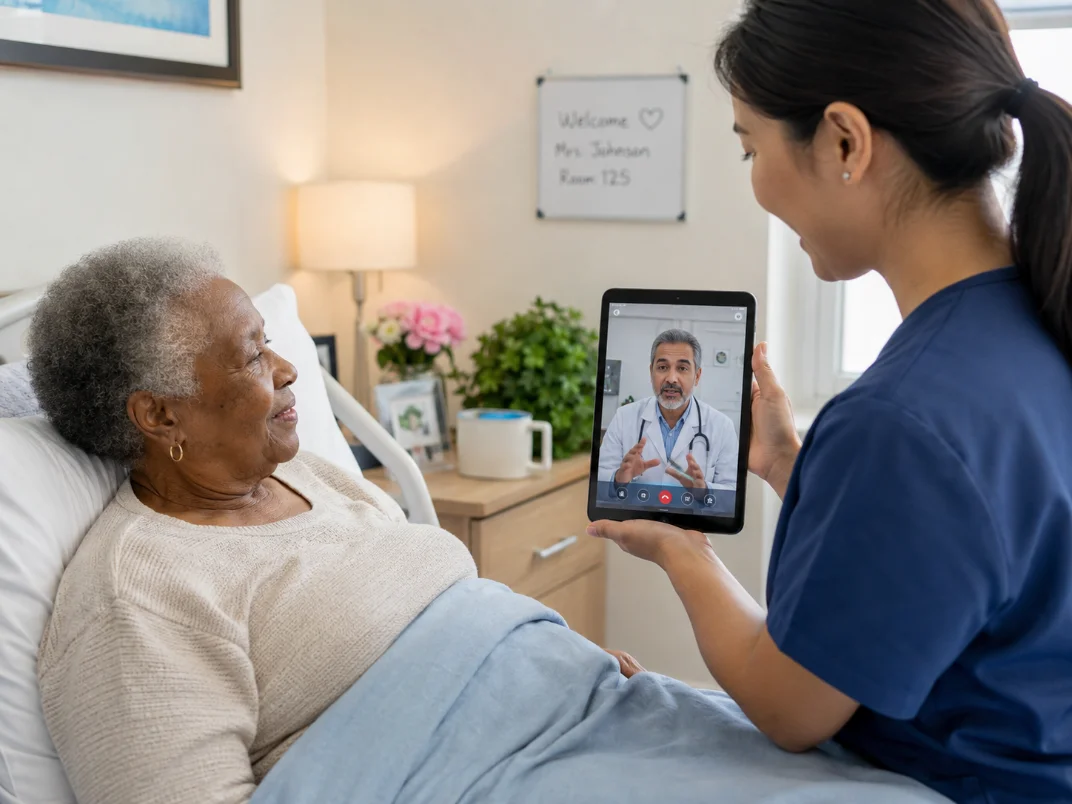
Assess patient condition
If medical assistance is required in a non-emergency situation and no provider is available on-site, iDocsWeb can be used to assist treatment.
Take the device to the bedside
Log in and select the patient — their provider and family-member information is retrieved from the EHR automatically. You can also connect to a Specialist, NP/PA, or DON/Administrator.
Request a consultation
A status bar tracks the progress of the request. Alerts are received when the provider sees it and is ready to join the session. Approved family members may also be invited.
The provider connects
HD video and digital medical instruments aid assessment. Providers may request close-ups, listen to heart & lungs, and invite a Specialist to help determine the treatment plan.
A care plan is established
The provider assists the nurse in administering treatment at the patient's bedside. A treatment plan is established to reduce future risk of hospitalization.
The encounter is documented
On completion, the provider completes a SOAP note stored in the patient record. The note can be sent to the EHR and submitted for billing.